Architectural photography sequence
Architectural photo sequence: from context to detail
Order the set so each view answers a different question, then deliver enough metadata for that order to survive.
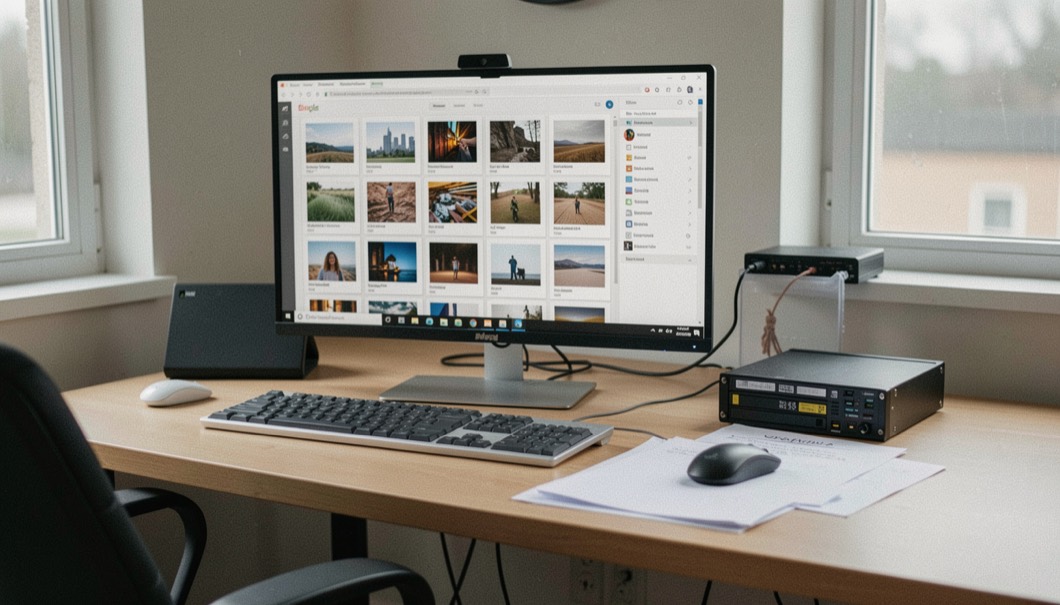
A set of building photographs should still make sense when the hero image is removed. The order below begins with location, moves through form and use, and closes with details and records. It is a practical editorial structure derived from documentary coverage, commissioning needs and archive handoff.
Locate
Site, street, landscape and route of approach give the reader a place before the building becomes an object. At this stage, compare the new frame with what came before. If it repeats the same information, change position or remove it. If it introduces a relationship that no neighboring image can locate, add the missing bridge rather than relying on a caption to repair the sequence.
Introduce
An elevation or oblique overview explains principal form, threshold and orientation without trying to show every feature. At this stage, compare the new frame with what came before. If it repeats the same information, change position or remove it. If it introduces a relationship that no neighboring image can locate, add the missing bridge rather than relying on a caption to repair the sequence.
Move
Circulation views connect exterior and interior, reveal turns and keep room relationships from becoming isolated plates. At this stage, compare the new frame with what came before. If it repeats the same information, change position or remove it. If it introduces a relationship that no neighboring image can locate, add the missing bridge rather than relying on a caption to repair the sequence.
Use
An empty, traced or occupied frame shows scale and program under a people policy decided before capture. At this stage, compare the new frame with what came before. If it repeats the same information, change position or remove it. If it introduces a relationship that no neighboring image can locate, add the missing bridge rather than relying on a caption to repair the sequence.
Resolve
Material and junction details answer questions raised by wider views and retain enough context to remain locatable. At this stage, compare the new frame with what came before. If it repeats the same information, change position or remove it. If it introduces a relationship that no neighboring image can locate, add the missing bridge rather than relying on a caption to repair the sequence.
Hand off
Names, captions, rights, subject metadata, masters and derivatives keep the set useful outside its original gallery. The handoff should identify a master, intended derivatives and the fields required for retrieval. The Library of Congress recommendations are collection-oriented, so the project should label them as guidance and choose formats appropriate to its actual archive.
A minimum metadata handoff
For each selected file, retain the creator, a plain description, rights information, subject terms and location where appropriate. Add a stable project identifier and the shot role used in the sequence. Accessibility text belongs to the publication context: an informative image needs a useful alternative, while a decorative repeat may use an empty alternative. The IPTC source record and W3C decision tree provide the maintained definitions.
Provenance systems can carry signed claims about origin and edits, but a valid manifest is not the same as proof that every statement is true. Record the specification version, preserve original files and explain what the credential actually asserts. Continue with the interior detail guide or return to the brief matrix.
Continue the reading
Connected decisions
Business & Media
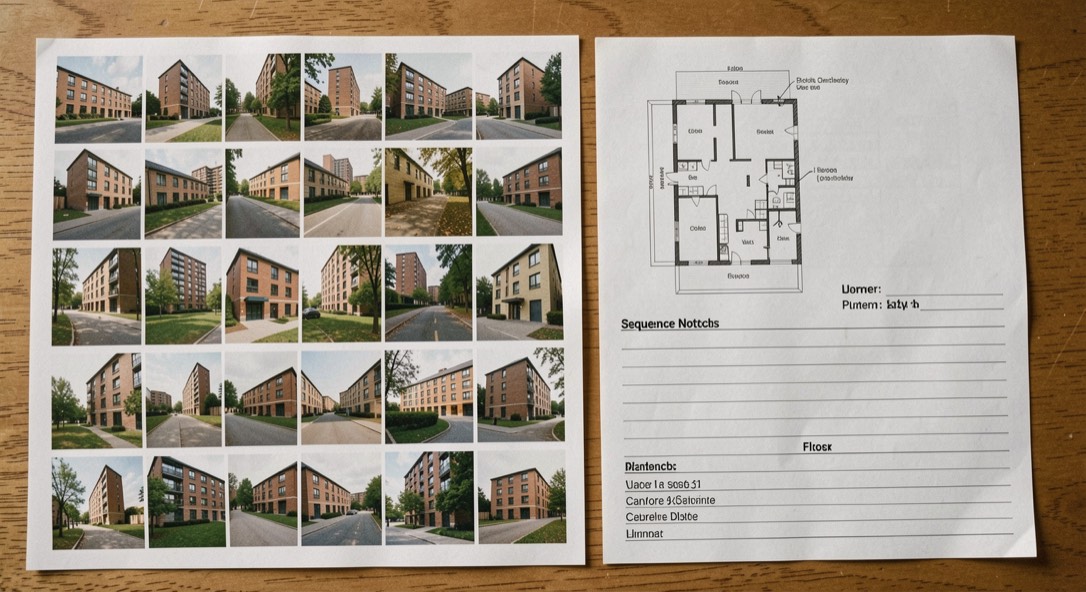
Architectural photography shot list
From Architectural photo sequence: from context to detail, continue with this decision: Build a sequence from site and overview to circulation, use and detail.
Home & Interiors
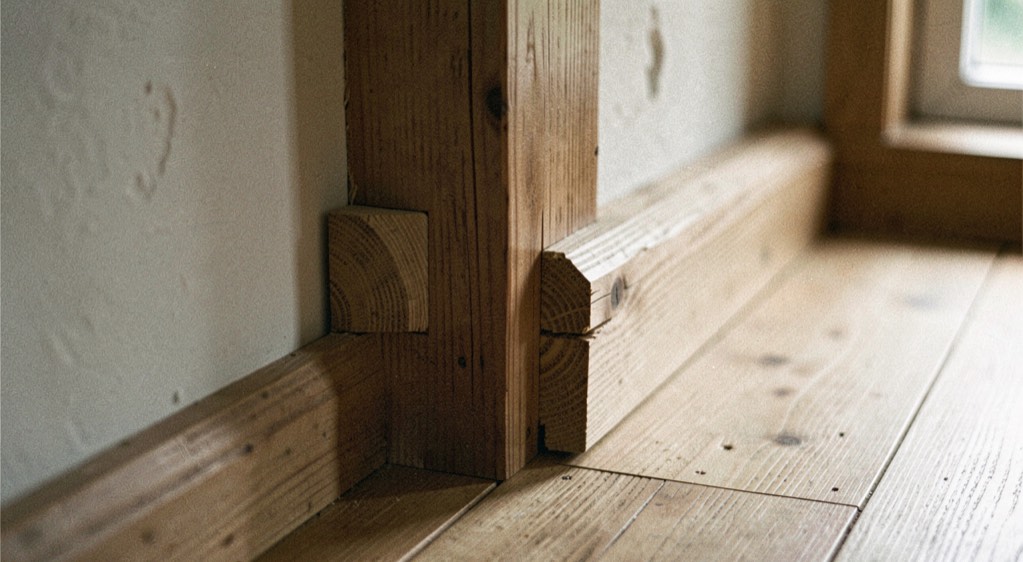
Interior detail photography
From Architectural photo sequence: from context to detail, continue with this decision: Pair details with wider views and metadata so they remain interpretable.
Hospitality & Public Spaces
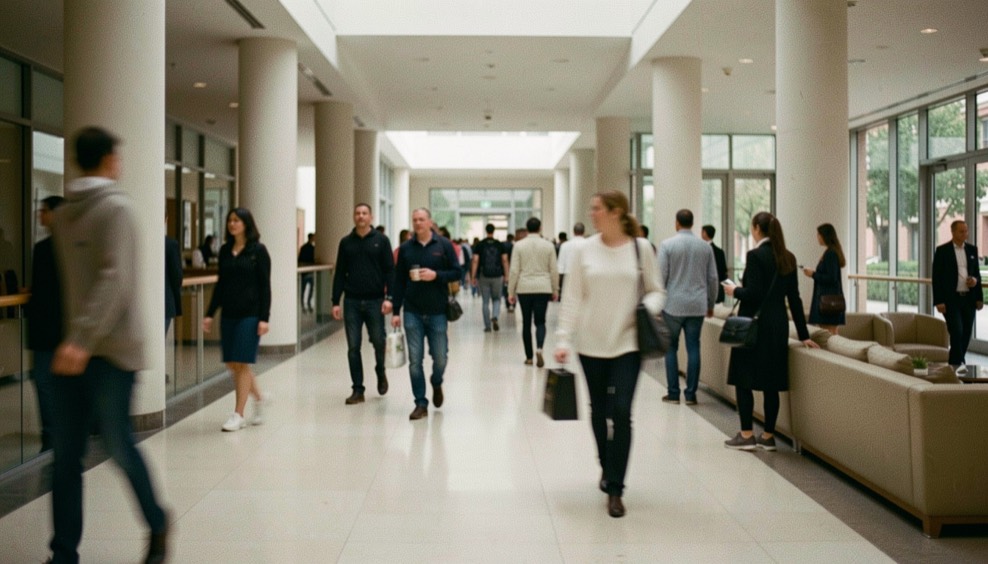
People in architectural photography
From Architectural photo sequence: from context to detail, continue with this decision: Choose empty, trace, anonymous figure or identifiable subject deliberately and plan permissions.